AI Video
Production
Workflow
Build the
Hero
Reference
Everything starts with a hero reference image — a single locked visual of your character that every scene will be built from. Claude writes the prompt that creates it. My method is a 3-step brief: identify the goal, give Claude the context, tell it to solve it. Example — "I want to create a NanoBanano image prompt. You are an expert prompter — research how to best prompt for NanoBanano and build me a prompt for this specific character." Claude handles the research, the structure, and the output. Get this image right and the rest of the pipeline stays consistent.
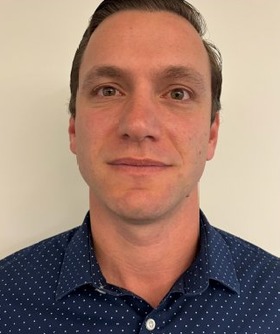
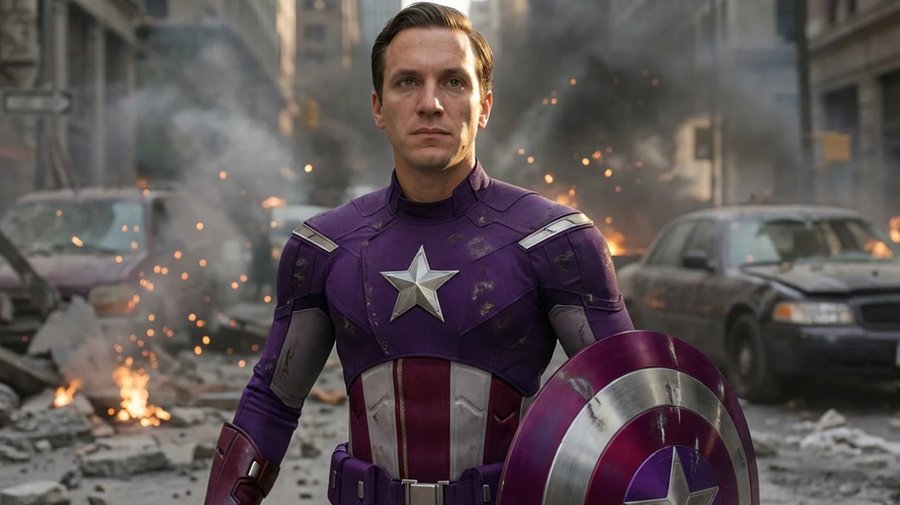
Generate the
First Frame
The hero reference from Step 1 feeds directly into Higgsfield as the main reference image. Write a scene prompt with Claude — new environment, new framing, same character — and NanoBanano Pro generates the first frame of that scene. This frame is what goes into Kling. Get the composition and lighting right here before any motion gets added.
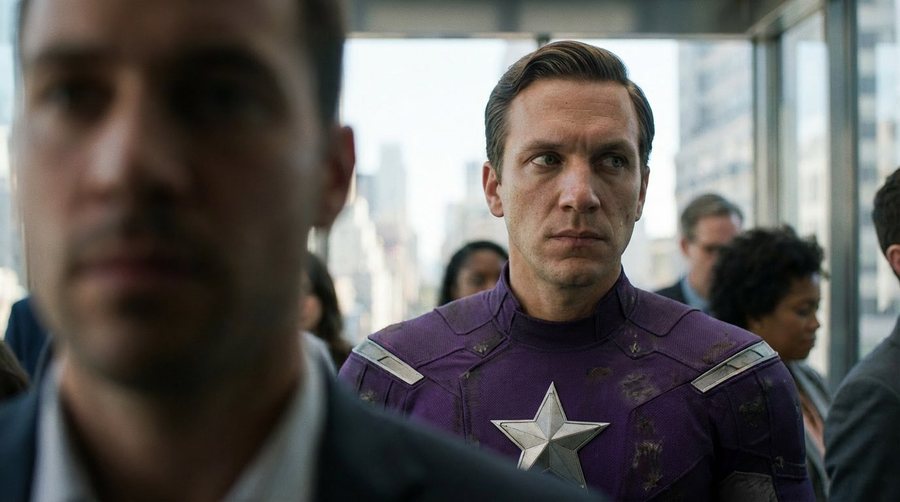
Animate the
First Frame
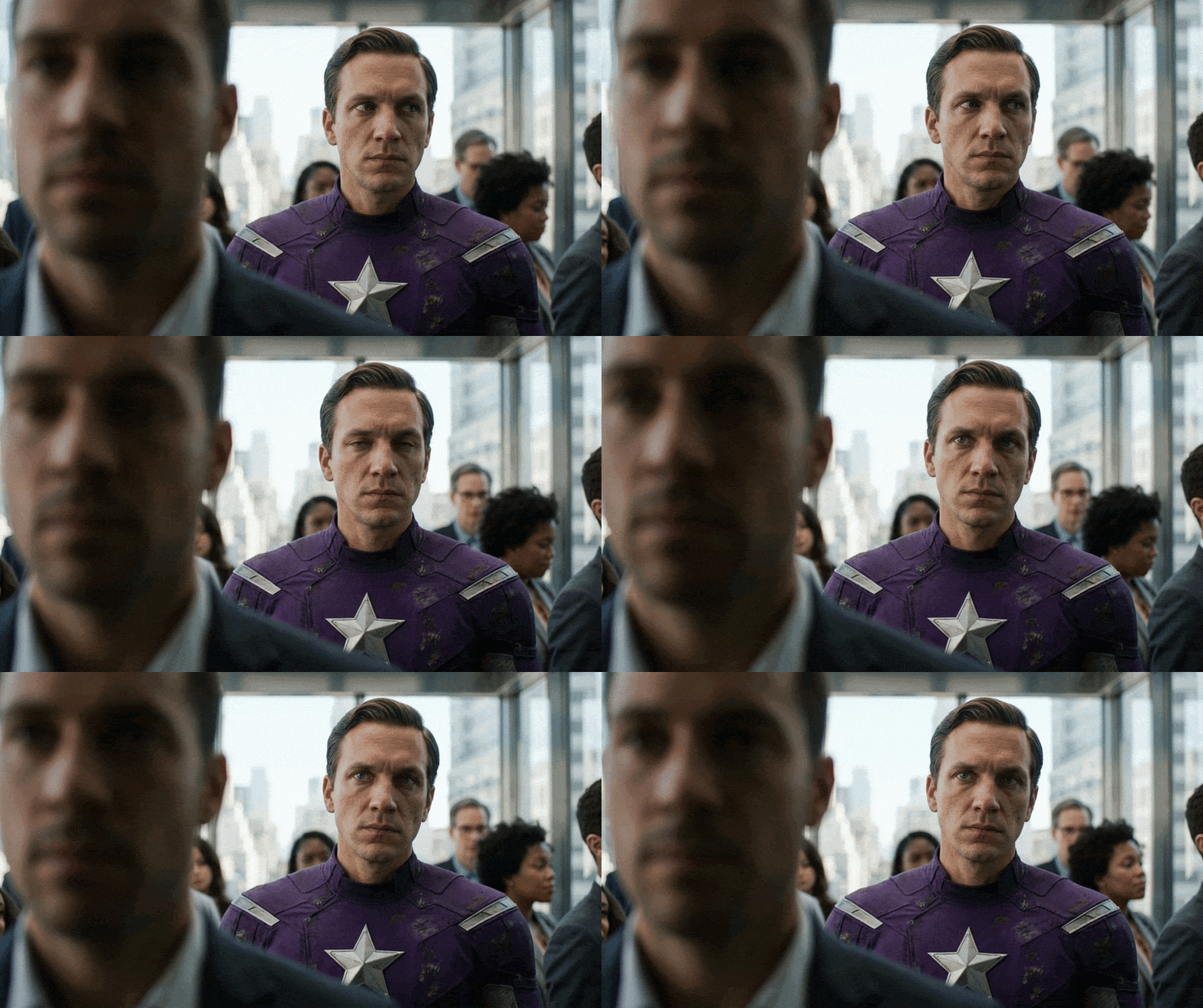
The first frame from Step 2 uploads into Kling 2.5 Turbo as the reference. Claude writes the motion prompt — subject movement, camera behavior, timing, atmosphere — the same way it wrote the image prompt. Kling animates the still into a cinematic clip with the character's likeness fully intact. This clip goes straight into Premiere.
Sound Design
& Edit
The Kling motion clip comes into Premiere for the final pass. Sound design, music, color grade, pacing — this is where the clip becomes a finished piece. The before and after below show exactly what that transformation looks like from raw Kling output to final cut.